Touch Panels and Integration Modules
Commercial touch panels for lobbies, conference rooms and suites, with integration modules that connect them to Keilton, Lutron, 0-10V or DALI-2, with more in development. Built so an installer can set up a site from the box, the label and a web page.
Touch panels for every room
8 inch and 10.1 inch touchscreens, on a desk stand or in the wall. Each panel runs on one Ethernet cable that also powers it (PoE).
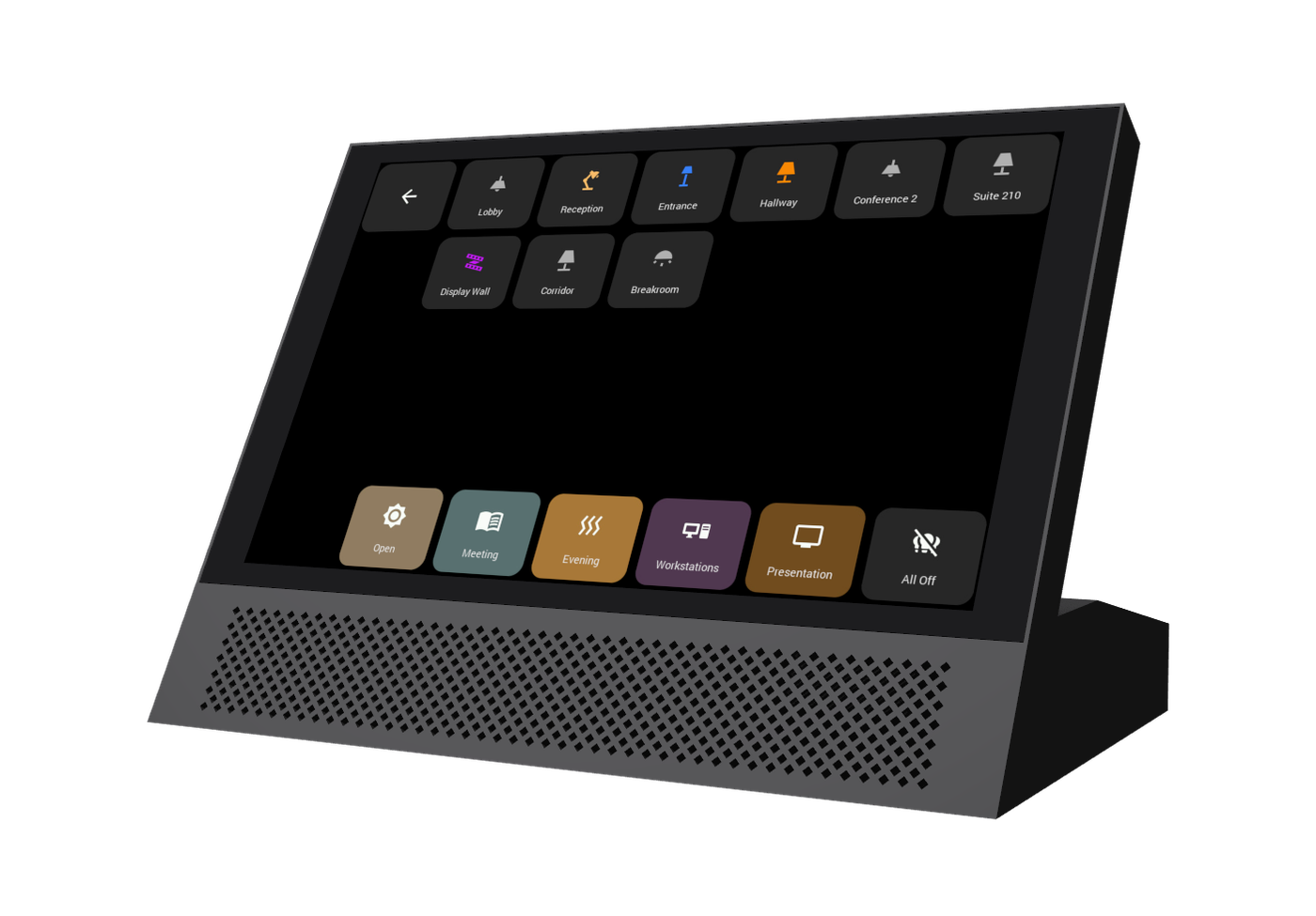
8 inch desktop panel
For reception desks, front counters and offices.
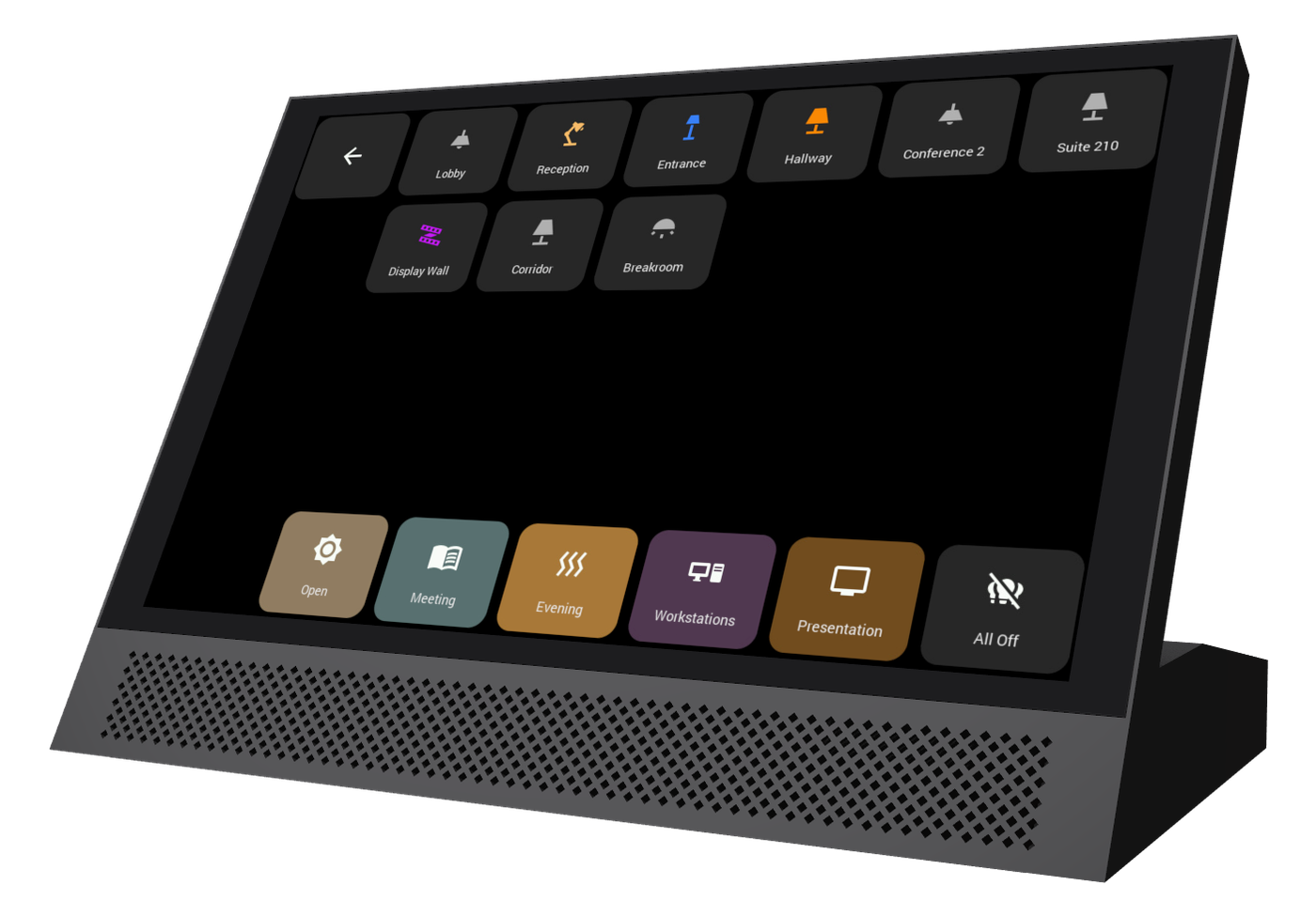
10.1 inch desktop panel
A larger screen for conference rooms and control desks.
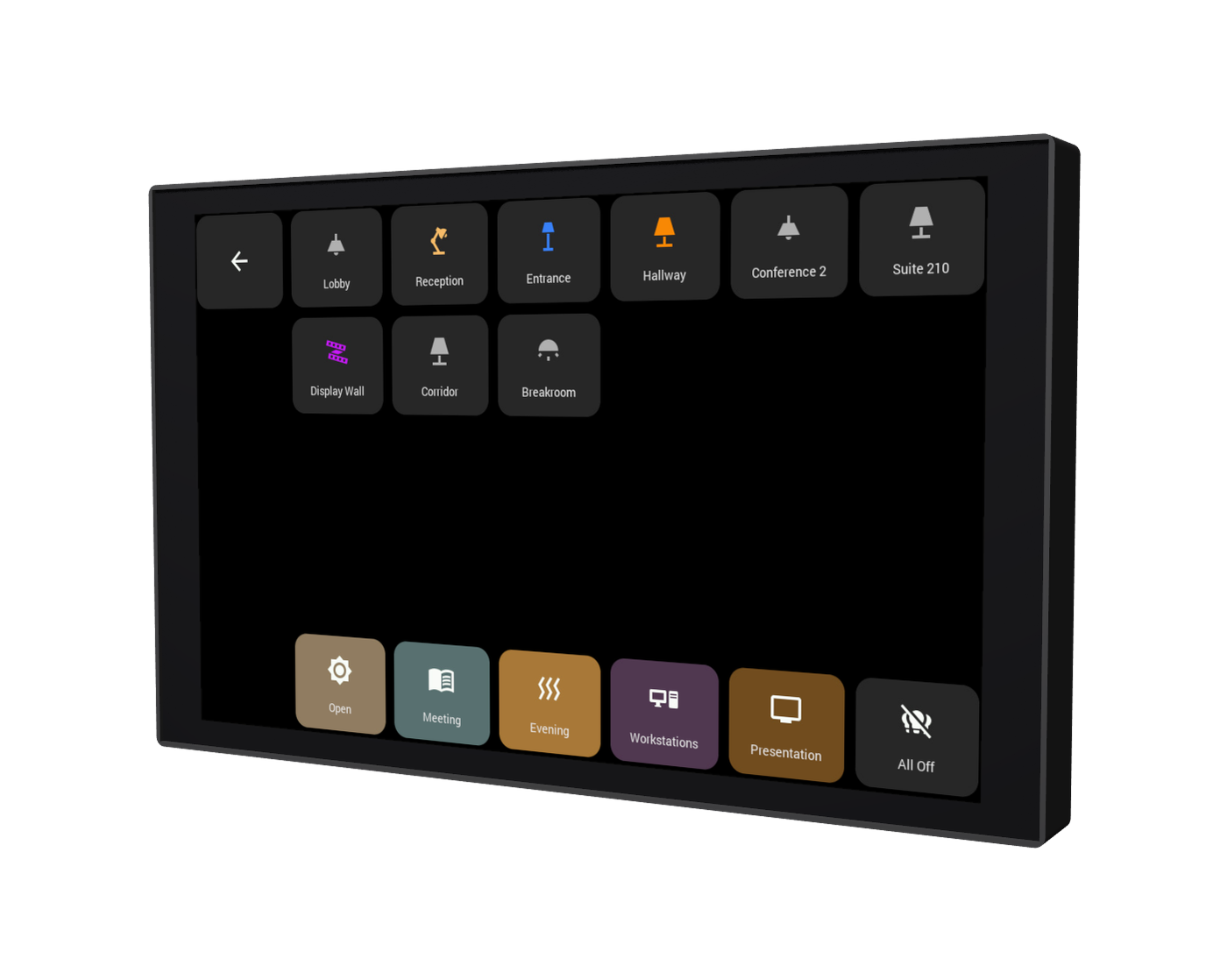
8 inch in-wall panel
Mounted at the door of a suite, classroom or meeting room.
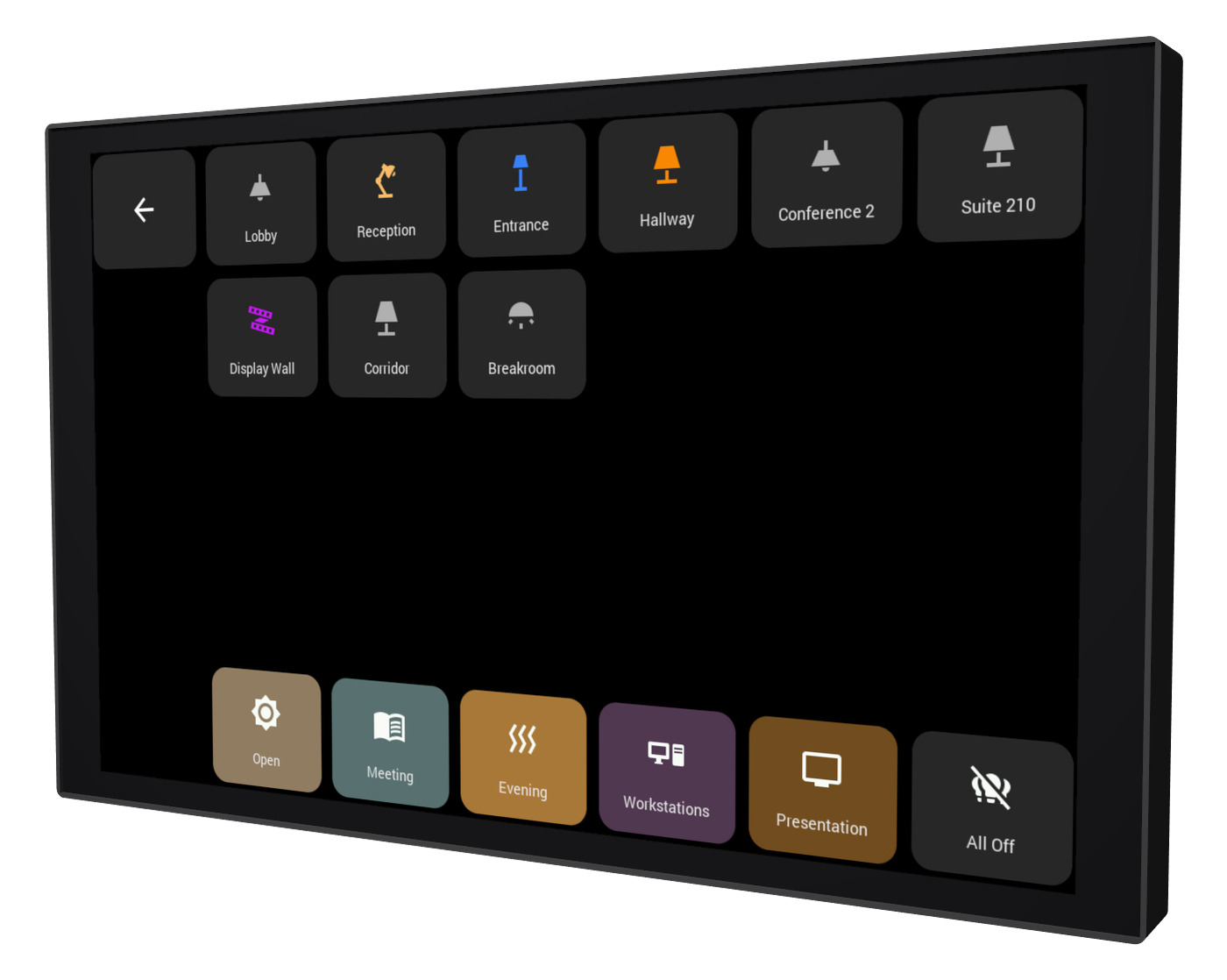
10.1 inch in-wall panel
The large screen, flush in the wall of a lobby or boardroom.
Integration modules for the systems you install
An integration module sits on the site network and connects Wizodd touch panels to the control system already in the building.
Keilton Integration Module
Connects Wizodd touch panels to a Keilton CR04 system, so each panel can switch, dim and recall scenes for the fixtures and groups in its space.
- Status from the CR04, including occupancy sensors
- One module serves every panel on the site
- Optional powerconnect monitoring: lights on after hours, fixtures or the system offline
Lutron Integration Module
Connects Wizodd touch panels to Lutron Caséta (Smart Bridge Pro) and HomeWorks QS systems, so panels can control lights, shades and scenes.
- Instant status when a level changes, from a panel or a keypad
- Shades open, close and stop from the panel
- The site's devices come from the Lutron integration report, uploaded on the module's web page
0-10V and DALI-2 Integration Modules
Connect Wizodd touch panels to 0-10V and DALI-2 lighting, so panels can switch, dim and recall scenes. More integration modules are in development.
Set up from a web page
No software to install, no serial cables, no custom firmware for each site.
1
Plug in
One PoE cable to each module and panel. The module appears on the network under its own name, such as Lutron-Bridge.
2
Pair the panels
Open the module's web page and add each panel. Name each panel on the panel itself, such as Lobby or Conference Room 2.
3
Stay up to date
Signed firmware updates install automatically at quiet times, with a switch to turn them off on sites without internet. Monitoring is optional and off unless you turn it on.
Lutron, Caséta and HomeWorks are trademarks of Lutron Electronics Co., Inc. Keilton is a trademark of its respective owner. Wizodd Technologies is not affiliated with either company.